Advantages and Disadvantages of Scanner: A Complete Guide for Beginners
Published: 28 Nov 2025
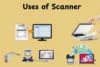
Scanners are devices that convert physical papers, images and objects into digital data. Knowing the advantages and disadvantages of scanners helps you to choose the best one for your needs. Every scanner has pros and cons and understanding them can save time, money, and frustration. In this article, you’ll learn about the main advantages and disadvantages of scanners and useful tips for selecting the best scanner for your home, office, or creative tasks.
Advantages of Scanner
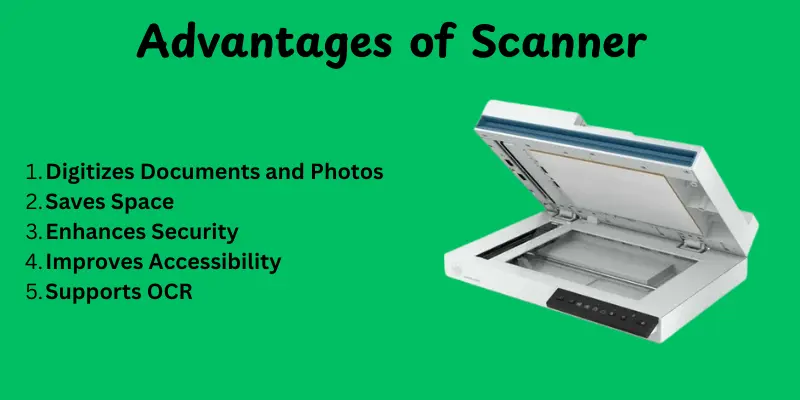
Scanners make daily work simple and fast. They help turn paper documents into digital files that you can store, share, and protect with ease.Here’s are some main benefits of scanner:
- Digitizes Documents and Photos
- Saves Space
- Enhances Security
- Improves Accessibility
- Supports OCR
- Preserves Memories
- Increases Productivity
1. Digitizes Documents and Photos
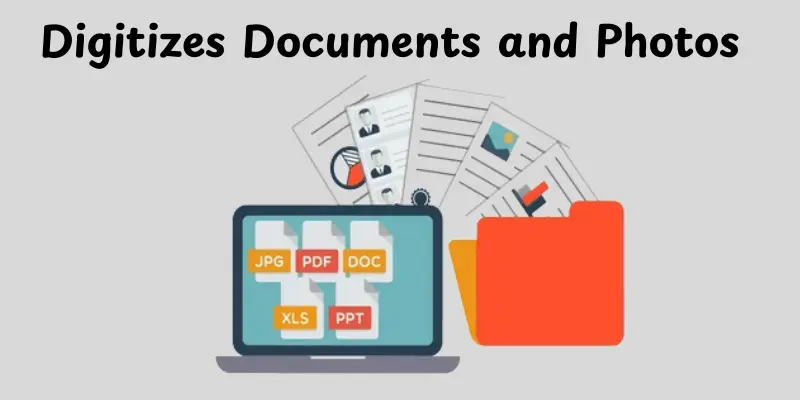
Scanners convert paper documents, photographs, and drawings into digital information.This makes them easier to store, organize and access at any time.You no longer need to take actual paperwork with you everywhere. Digital files can also be easily shared with friends, coworkers and family.
Key Points:
- Converts physical files into digital format
- Makes sharing files fast and easy
- Reduces dependency on paper
2. Saves Space
There is no need for bulky filing cabinets or paper boxes when working with digital data. This frees up office or home space. You can store thousands of files on a computer or cloud storage. It helps keep your workspace neat and organized.
Key Points:
- Reduces physical storage needs
- Keeps your workspace clutter-free
- Stores thousands of files digitally
3. Enhances Security
Digital files can be password protected and secured. This protects important papers from theft and loss. Backups can also be created on external drives or in the cloud. Important files remain safe from fire, water, and damage.
Key Points:
- Password and encryption protection
- Easy to create backups
- Safeguards important files from damage
4. Improves Accessibility
Documents are easy to search and find once they have been scanned. You can access files through a computer, phone or the cloud. Sharing and working with others becomes easy and fast. This saves time and effort over searching physical files.
Key Points:
- Search and retrieve files quickly
- Access from multiple devices
- Simplifies collaboration and sharing
5. Supports OCR
Some scanners come with OCR software. This process converts scanned text into customizable and searchable files. You can easily copy, edit, and reuse the information. It saves hours of manual typing on printed documents.
Key Points:
- Converts text into editable files
- Makes scanned documents searchable
- Reduces manual typing and effort
6. Preserves Memories
Old photos, certificates and documents can dull or tear over time. Scanning them creates lasting digital copies. This protects valuable memories and important papers. You can also restore or edit images digitally.
Key Points:
- Protects old and fragile documents
- Keeps memories safe for years
- Enables digital restoration and editing
7. Increases Productivity
Scanners can handle multiple pages quickly, especially sheet-fed or document scanners. This saves hours over manually copying or filing paperwork. Digitizing forms, contracts, and invoices is much faster. It helps offices and homes work more efficiently.
Key Points:
- Fast scanning for multiple pages
- Saves time on routine tasks
- Boosts overall efficiency and productivity
Disadvantages of Scanner
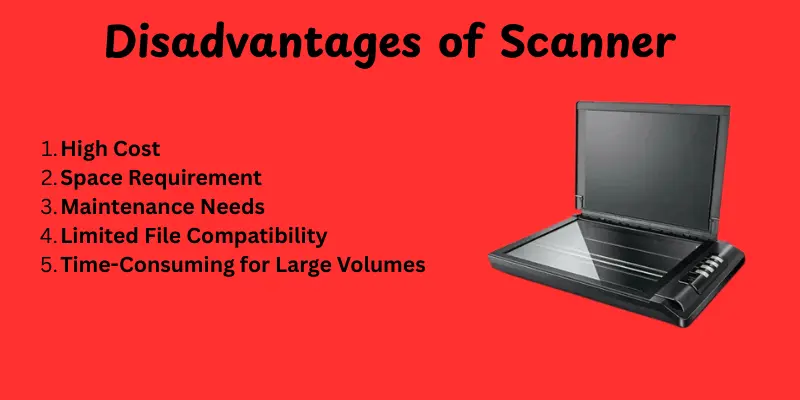
Scanners are useful, but they also have some limitations.They can be slow, take up space and need regular care. In some cases, the cost and setup can feel hard to manage.Here’s are some drawbacks of scanner:
- High Cost
- Space Requirement
- Maintenance Needs
- Limited File Compatibility
- Time-Consuming for Large Volumes
- Image Quality Variations
1. High Cost
Some scanners, particularly high-resolution or specialist devices, can be costly. Buying one may not be within everyone’s budget. Professional features like OCR, network connectivity, and 3D scanning increase the cost. For home use, simple models are less expensive but may lack advanced features.
Key Concerns:
- Professional scanners can be costly
- Advanced features increase price
- Budget models may lack some functions
2. Space Requirement
Certain scanners, like flatbed or drum scanners, need a lot of desk space. This can be an issue in small offices or homes. Portable scanners solve this, but they may have lower quality. Planning your workspace is important before buying larger models.
Key Concerns:
- Large scanners need more room
- Small spaces may be inconvenient
- Portable options may sacrifice quality
3. Maintenance Needs
Scanners need cleaning and occasional calibration to work properly. Dust or debris can affect scan quality. Some parts can wear out over time and need replacement. Regular care makes sure long-term performance.
Key Concerns:
- Needs cleaning and calibration
- Dust can reduce scan quality
- Some parts may need replacement
4. Limited File Compatibility
Not all scanners support all file types and formats. Some may only save in basic file formats like JPEG or PDF. Advanced editing or sharing can require additional software. This may limit how you use the scanned files.
Key Concerns:
- May support only limited file formats
- Extra software sometimes required
- Can restrict editing or sharing options
5. Time-Consuming for Large Volumes
Sheet-fed or document scanners are useful, but slower models can frustrate users. For companies with high workloads, scanning can remain a bottleneck. Automation or batch scanning is typically required.
Key Concerns:
- Manual scanning is slow for many pages
- Slow models reduce productivity
- High-volume tasks need batch scanning
6. Image Quality Variations
Low-end scanners can produce unclear or low-resolution images. Colors may not match the original image perfectly. High-quality scans require improved equipment, which can be expensive. This can be an issue for photographers and designers.
Key Concerns:
- Low resolution may reduce clarity
- Colors may not be accurate
- High-quality scans need better equipment
Conclusion
In this article, we explored the advantages and disadvantages of scanners. Scanners help save space, protect memories and improve productivity. At the same time, they can be costly, take up space and require maintenance. Understanding both sides helps you make a smart choice. Remember, the right scanner balances benefits and limitations to fit your needs. Now it’s your turn to decide which one works best for you.
FAQs
Scanners help you turn paper documents or photos into digital files. They save space, protect important papers and make sharing easier. Some scanners are expensive and take up desk space. They also need cleaning and occasional maintenance. Low-quality scanners may produce blurry images or poor color accuracy.
Technology makes life faster and more convenient. It helps us communicate, learn and work from anywhere. But it can be expensive and sometimes addictive. Overuse may reduce social interaction and cause eye strain. Not all technology is reliable and it can fail when we need it most.
Scanning reading lets you quickly find key points in a text. It saves time and helps focus on important ideas. However, you might miss details or deeper understanding. Over-relying on scanning can reduce comprehension. It works best when combined with careful reading for full understanding.
Barcode scanners make checking out items or managing inventory fast and easy. They reduce errors and save time for businesses. Some scanners are expensive or need special setup. They can also fail if the code is damaged or poorly printed. Regular maintenance is needed to keep them working well.
Knowing both sides helps you choose the right scanner for your needs. You can avoid wasting money on features you don’t need. It also prevents frustration from unexpected limitations. Understanding both pros and cons ensures better decision-making.
Yes, scanners can be very useful at home. They help digitize photos, bills, certificates and school papers. A simple flatbed or sheet-fed scanner is usually enough. Just choose one that fits your space and budget.
You can reduce problems by picking the right type of scanner for your needs. Regular cleaning and maintenance keep it working well. For large volumes, use sheet-fed or document scanners to save time. Checking reviews and features helps avoid surprises.




- Be Respectful
- Stay Relevant
- Stay Positive
- True Feedback
- Encourage Discussion
- Avoid Spamming
- No Fake News
- Don't Copy-Paste
- No Personal Attacks
- Be Respectful
- Stay Relevant
- Stay Positive
- True Feedback
- Encourage Discussion
- Avoid Spamming
- No Fake News
- Don't Copy-Paste
- No Personal Attacks
