Practical Uses of Scanner for Students and Professionals
Published: 29 Nov 2025
Did you know that offices and homes now scan thousands of documents every day to save time and space?Scanners help you easily convert paper data, photographs and even receipts into digital copies. Understanding how to use scanners can greatly ease your work and life. In this article, we’ll look over the main benefits and uses of scanner. You’ll learn how they can help with papers, images, books and more. By the end, you’ll know which type of scanner fits your needs.
Key Uses of a Scanner
Scanners are more than simply office instruments because they help you manage papers, photographs and data more easily. Understanding the main uses of scanner helps you to save time, keep organized and protect important data. Let’s look at some of the most common applications of scanners in everyday life and business.
- Document Digitization
- Photo Preservation
- OCR and Text Recognition
- Book Scanning
- Artwork and Sketches
- Receipt and Invoice Management
- Identification and Signatures
- Portable On-the-Go Scanning
- Research and Study Materials
- Archiving Important Records
- Office Record Keeping
- Backup for Important Papers
- Sharing Documents Online
- Creative and Design Work
- Home and Personal Use
Document Digitization
Document digitization means turning paper documents into digital files.This makes storage simple and saves space.Digital files are easy to find and share.They do not tear or fade over time.Work stays neat and well organized.
- Store paper documents digitally
- Reduce physical file storage
- Access files quickly
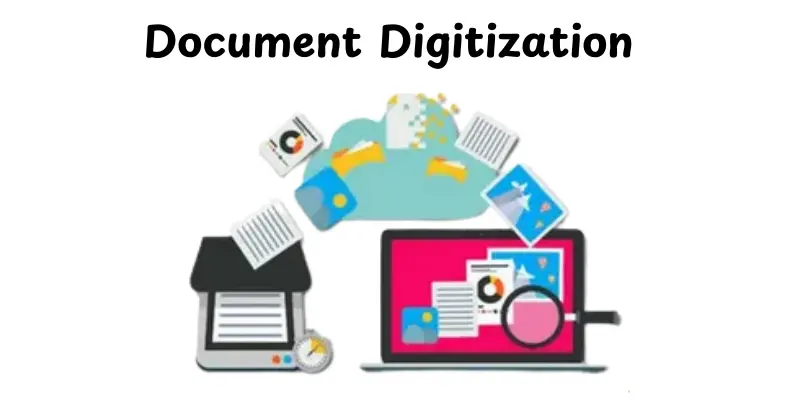
Photo Preservation
Photo preservation helps keep printed photos safe.Old photos can fade or get damaged over time.Scanning saves them in digital form.The images stay clear for many years.Memories remain protected and easy to share.
- Protect old printed photos
- Create digital photo copies
- Share photos easily
OCR and Text Recognition
OCR reads text from scanned images.It turns pictures of text into editable words.You can copy and change the text easily.Searching inside documents becomes faster.This saves time and effort.
- Convert images into text
- Edit scanned documents
- Search written content
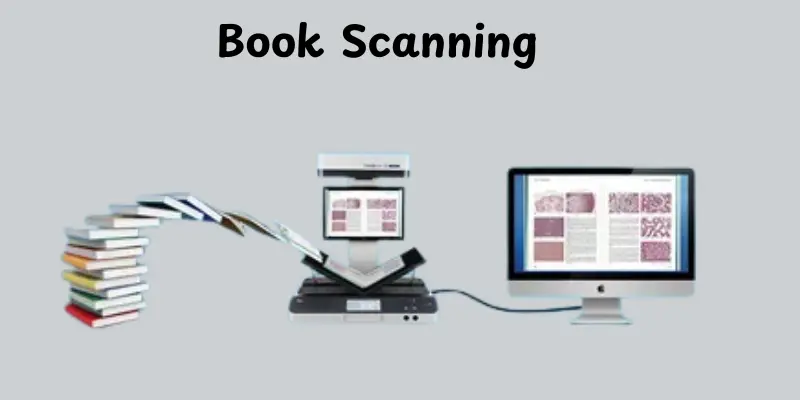
Book Scanning
Book scanning turns printed pages into digital copies.These copies are easy to read on phones or computers.Books stay safe from wear and tear.Important pages do not get lost. Reading and study become more convenient.
- Save book pages digitally
- Read books anywhere
- Protect original books
Artwork and Sketches
Scanning artwork and sketches keeps them safe and clean.Hand-drawn designs can be saved in digital form.Digital copies can be edited or shared easily.This helps artists organize their work.Creativity stays protected over time.
- Save hand-drawn artwork
- Edit designs digitally
- Share sketches easily
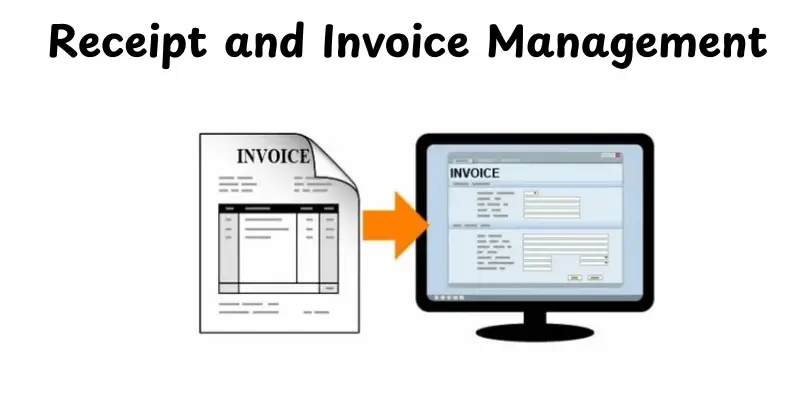
Receipt and Invoice Management
Scanning receipts and invoices keeps them safe and organized. Digital copies are easy to find when needed. You can track expenses and payments quickly. This helps in budgeting and business record keeping. Paper clutter is reduced.
- Track expenses and payments
- Store receipts and invoices safely
- Organize financial records easily
Identification and Signatures
Scanning IDs and signatures creates clear digital copies.These copies are easy to upload for online forms or verification.Originals stay safe and protected.It saves time and effort when submitting documents.Digital copies are easy to store and access.
- Save ID cards digitally
- Upload for online verification
- Protect original documents
Portable On-the-Go Scanning
Portable scanners are small and easy to carry anywhere.You can scan documents while traveling or outside the office.Scanned files are saved instantly on your device.This makes work faster and more convenient.Important papers are always accessible.
- Scan documents anywhere
- Travel-friendly scanning
- Save files instantly
Research and Study Materials
Scanning research papers and study notes keeps them organized.Digital files are easy to access anytime.Students can revise quickly without carrying heavy books.Notes stay safe and do not get lost.Study becomes more efficient and simple.
- Save study notes digitally
- Organize research papers
- Easy revision anytime
Archiving Important Records
Scanning important records keeps them safe for the long term.Digital copies prevent loss or damage to original papers.Files are easy to access whenever needed.This helps maintain personal and business documents securely.Records stay organized and protected.
- Store legal and personal documents
- Protect papers from loss or damage
- Easy long-term access
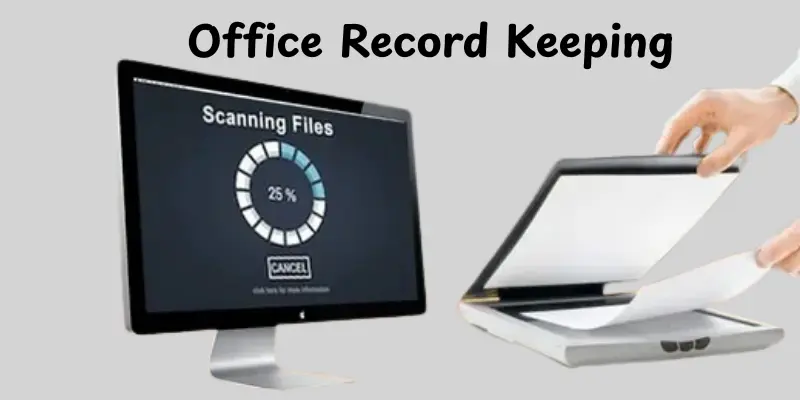
Office Record Keeping
Scanning office documents helps keep files organized and neat.Digital copies are easy to find and share with colleagues.It reduces the need for physical storage.Work becomes faster and more efficient.Paper clutter is minimized.
- Manage office documents digitally
- Share files quickly
- Reduce paper storage
Backup for Important Papers
Scanning important papers creates a secure backup.Digital copies prevent loss due to damage or misplacement.Files are easy to store and access anytime.This gives peace of mind for important documents.Recovery becomes simple if originals are lost.
- Create backup copies of documents
- Protect papers from loss or damage
- Easy access to important files
Sharing Documents Online
Scanning documents makes it easy to share them online.You can email or upload files instantly.No need to print or courier papers.This saves time and effort.Sharing becomes faster and more convenient.
- Send documents via email
- Upload files online
- Quick and easy sharing
Creative and Design Work
Scanning sketches and designs keeps them in digital form.Digital files can be edited easily on a computer.Artists can store and organize their work safely.Designs can be shared or reused anytime.Creativity stays protected and accessible.
- Save sketches and designs digitally
- Edit artwork on a computer
- Store and organize creative work
Home and Personal Use
Scanning home documents helps keep important papers safe.Bills, certificates and personal files can be stored digitally.Files are easy to find when needed.This reduces paper clutter at home.Everything stays organized and accessible.
- Store personal and home documents
- Keep bills and certificates safe
- Organize important papers easily
Conclusion
So, in this article, we’ve covered the many uses of scanner in great detail. Scanners can help save time, protect important papers and make file sharing easier. My own advice is to select a scanner that meets your everyday demands, whether at home, school, or the office. Using the correct scanner can help you keep your work organized and useful. Don’t put off digitizing your most important information and memories.Keep exploring and make scanning a part of your routine!
FAQs
Scanners turn paper documents, photos or drawings into digital files.They help save space, protect important papers and make sharing easy.Scanners are useful at home, school or office for organizing files and preserving memories.
The flatbed scanner is the most commonly used type.It works well for documents, photos and even books.It’s easy to use and provides high-quality scans for most everyday needs.
Scanners capture images or text, convert them into digital files and help organize or share these files.They can also support OCR, which makes text editable and searchable.This makes work faster and more efficient.
Different scanners are used depending on the need.Flatbed scanners are common for documents and photos, sheet-fed scanners for multiple pages and handheld scanners for on-the-go use.Choosing the right type makes scanning easier and faster.
In offices, scanners quickly digitize contracts, invoices and reports. This reduces paper clutter and improves workflow.Many offices also use network scanners so multiple employees can scan and share files easily.
Yes, scanners can digitize old or printed photos.Flatbed and photo scanners capture high-quality images with accurate colors.This helps preserve memories and makes it easy to share pictures digitally.
OCR lets scanners turn printed text into editable files.You can copy, edit or search text without retyping it. It’s very useful for digitizing books, contracts and reports.
At home, scanners digitize bills, certificates and personal documents.They save space and make it easy to find files on your computer.Scanners can also preserve family photos and important records for years.





- Be Respectful
- Stay Relevant
- Stay Positive
- True Feedback
- Encourage Discussion
- Avoid Spamming
- No Fake News
- Don't Copy-Paste
- No Personal Attacks
- Be Respectful
- Stay Relevant
- Stay Positive
- True Feedback
- Encourage Discussion
- Avoid Spamming
- No Fake News
- Don't Copy-Paste
- No Personal Attacks
