10 Surprising Advantages and Disadvantages of Computer You Must Know
Published: 5 Dec 2025
Computers are machines that help us perform tasks quickly, from work and study to gaming and communication. Understanding the advantages and disadvantages of computer is important because it helps us use them properly and avoid problems. In this guide, you will look at the main benefits, drawbacks and practical tips for making the most of computers in everyday life.Before exploring the benefits and drawbacks, it is also helpful to learn about the types of computer we use in daily life, like desktops, laptops and tablets.
Advantages of Computer
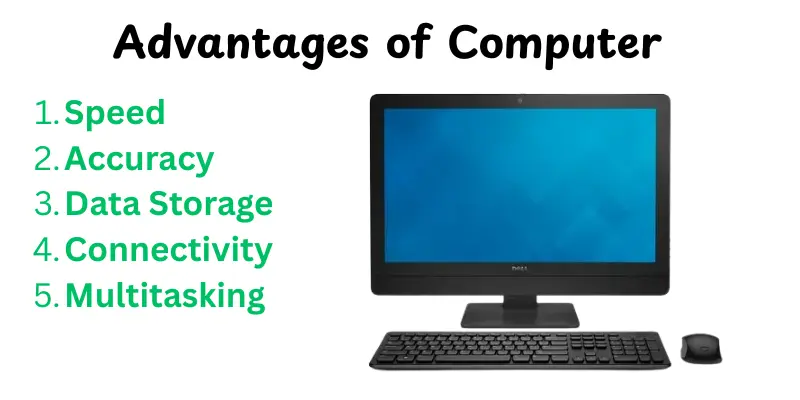
Computers have several benefits in our daily lives. They increase task speed, accuracy and efficiency. Computers have changed the way we live and work in many different types of ways, such education, entertainment and communication.Here are the main benefits of computer:
- Speed
- Accuracy
- Data Storage
- Connectivity
- Multitasking
- Automation
- Learning & Research
- Entertainment
- Cost-Effective
- Flexibility
Speed
Computers can complete tasks faster than humans. They process data quickly. This saves a lot of time in work and studies. Quick processing helps in real-time applications like online transactions.
- Tasks are done quickly and efficiently.
- Reduces waiting time for results.
- Perfect for rapid or high-volume tasks.
Accuracy
Computers perform calculations and activities with high accuracy.Human mistakes are reduced. They follow accurate instructions without error.This promotes uniform results in work, research and data analysis.
- Minimize errors in calculations and data entry.
- Ensures reliable outcomes.
- Improves confidence in results.
Data Storage
Computers can save large amounts of data in small devices. Files, documents and media can be saved properly.Data can be simply organized and accessed when needed.This improves work and study simplicity.
- Store large volumes of information.
- Easy access and access of files.
- Safe and secure with backups.
Connectivity
Computers allow for quick communication with anyone in the world. Emails, video calls, and chat applications make things simple. Businesses and students may easily connect online. The internet links people and thoughts.
- Communicate globally in seconds.
- Easy collaboration with teams.
- Share files and ideas fast.
Multitasking
Computers can run multiple programs at once.You can work on a document while browsing the web.This improves productivity. It also saves time compared to doing one task at a time.
- Handle multiple tasks efficiently.
- Save time in daily work.
- Better workflow management.
Automation
Computers can work regular tasks easily. For example, creating reports and sending notifications.This reduces human effort.It enables users to focus on more important things.
- Saves manual effort.
- Reduces repetitive work.
- Improves productivity.
Learning & Research
Computers provide easy access to information online. Students and professionals can research topics quickly.The use of videos and tutorials makes learning enjoyable. Knowledge is available anytime and anywhere.
- Access to unlimited information.
- Quick research and learning.
- Supports interactive education.
Entertainment
Computers offer many forms of entertainment. You can watch movies, play games or listen to music.Streaming services and media applications make it enjoyable and simple.They also support creative hobbies like photo and video editing.
- Different types of entertainment options.
- Easy access to media online.
- Supports creative activities.
Cost-Effective
Using a computer can help you save money over time.Tasks that take hours manually can be done in minutes.Digital solutions reduce paper, travel and resource costs. It is a long-term investment for work or study.
- Saves time and effort.
- Reduces costs for manual work.
- Efficient use of resources.
Flexibility
Computers help work or study from almost anywhere. Laptops, tablets and smartphones make mobility easy.Online tools and apps help you manage tasks remotely.This makes life more easy.
- Work from home or on the go.
- Access tasks anytime.
- Supports remote learning and work.
Disadvantages of Computer
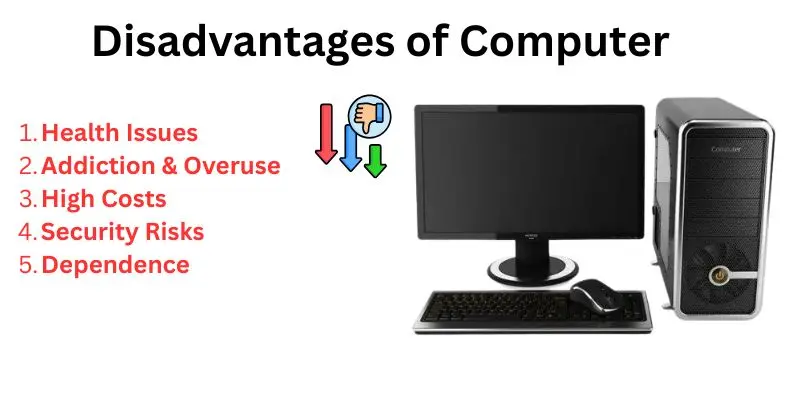
Computers make life easier, but they also have some drawbacks.Overuse of computers can have a negative impact on health, decrease social contact and create security problems. Understanding these drawbacks helps us to use computers properly and safely.Here’s are many drawbacks of computer:
- Health Issues
- Addiction & Overuse
- High Costs
- Security Risks
- Dependence
- Technical Issues
- Electricity Consumption
- Limited Lifespan
- Privacy Concerns
- Distraction
Health Issues
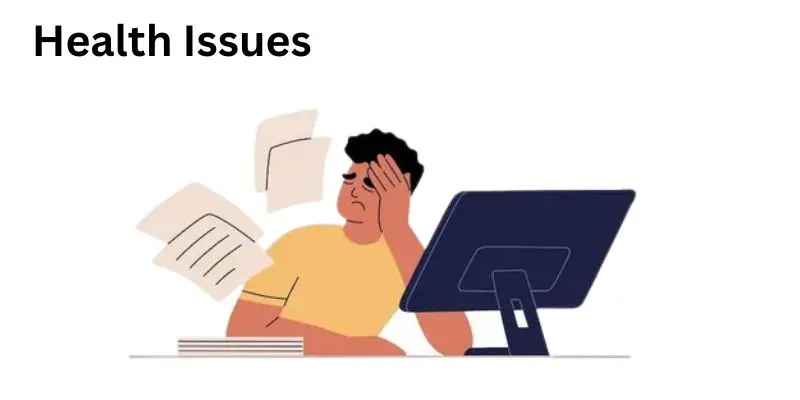
Long-term computer use can cause eye strain, headaches and back or neck pain.A bad position when sitting at a desk creates these difficulties.Excess screen time can also alter sleep habits.Taking breaks and changing your setup can help solve these issues.
- Eye strain and headaches
- Back and neck pain from poor posture
- Sleep disruption due to prolonged screen time
Addiction & Overuse
Spending too much time on computers can lead to addiction.People can ignore social life, work, or studies.Overuse can affect mental health, creating stress or anxiety.Setting limits helps maintain a healthy balance.
- Neglect of personal and professional responsibilities
- Increased stress or anxiety
- Reduced social interactions
High Costs
Purchasing a computer and related equipment can be costly.Maintenance, upgrades and software purchases increase the cost.Repairs for hardware and software issues may be expensive.A good budget helps to control expenses.
- High initial purchase price
- Costs for upgrades and software
- Expensive repairs and maintenance
Security Risks
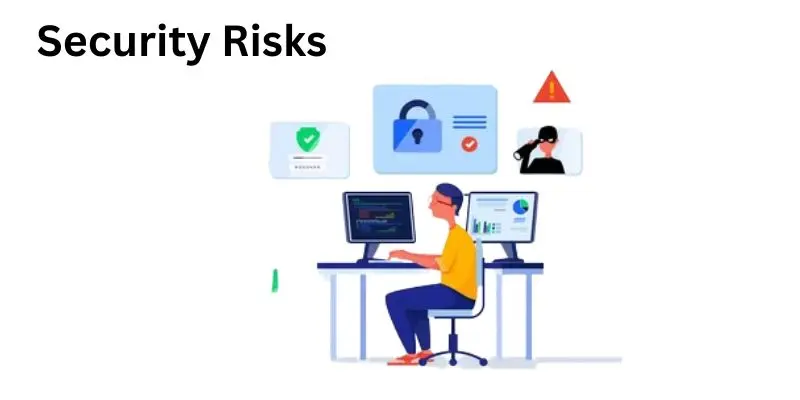
Computers connected to the internet face problems from hackers, viruses and malware. Passwords and bank account information are examples of sensitive data that can be hacked.Using antivirus software and secure passwords can help reduce risks.
- Sensitivity to hacking and viruses.
- Risk of personal and financial data theft
- Requires constant security updates
Dependence
People depend strongly on computers for work, communication and entertainment.This dependence may affect problem-solving abilities and memory.Losing access to a computer might result in delays or stress.
- Reduced manual or critical thinking skills
- Over-reliance on digital tools
- Difficulty functioning without technology
Technical Issues
Computers can fail, shut down or have software issues.Unexpected errors could delay workflow or result in data loss.Regular maintenance and backups are required to prevent problems.
- System crashes or freezes
- Software bugs or errors
- Potential data loss
Electricity Consumption
Computers consume electricity, which increases energy expenses. Running multiple devices continuously increases power consumption.Energy-efficient devices and turning off unused systems help save electricity.
- Increased electricity bills
- Higher energy consumption for multiple devices
- Environmental impact from energy use
Limited Lifespan
Computers become useless when new models and software are introduced.Older systems may slow down or fail to run newer applications.Users often need to upgrade or replace machines every few years.
- Hardware and software obsolescence
- Reduced performance over time
- Need for regular upgrades
Privacy Concerns
Using computers online could show personal information. Social media, websites and applications can track and collect information.Awareness and strong privacy settings help protect information.
- Personal data tracking
- Risk of identity theft
- Exposure through online activities
Distraction
Computers offer games, videos and social media, which can be distracting.This can reduce focus on work, studies or personal goals.Setting boundaries and restricting use improves productivity.
- Time wasted on non-essential activities
- Reduced productivity or focus
- Difficulty managing work or study schedules
Conclusion
In this article, we’ve covered the advantages and disadvantages of computer.We observed how they improve work, enhance learning and make enjoyment more enjoyable.At the same time, we discussed health risks, high costs and security concerns. Understanding both sides helps you use computers wisely. While computers give many benefits, being aware of the drawbacks keeps you safe and balanced. It’s now up to you to pick how to make the most use of technology!
FAQs
Below are common questions and simple answers to help you understand the topic better:
Computers make work faster and more efficient.They help store and organize information easily.You can connect with people worldwide through the internet.They make learning fun with online resources. Computers also allow entertainment like games, music and videos anytime.
Advantages:Technology makes communication faster, work easier and learning accessible. It improves healthcare, entertainment and transportation.It helps businesses grow and saves time on daily tasks.
Disadvantages:Technology can cause addiction and health problems.It may reduce face-to-face communication.High costs and security risks are common.Overuse can lead to dependence and distractions.
A computer network can be vulnerable to hacking and data theft.Network failures can stop work suddenly.Sharing resources may cause slow speeds or congestion.It requires technical knowledge to maintain and troubleshoot.Viruses or malware can spread quickly across the network.
Knowing both sides helps you use computers wisely.It makes sure you enjoy the benefits while avoiding problems.It also helps in making better choices for work, study, or entertainment.Awareness keeps your health, safety and money in check.
Yes, computers make life easier when used properly.They save time, improve productivity and connect people worldwide.Even with drawbacks, careful use can reduce risks. Balancing screen time and security precautions helps a lot.
Take breaks to avoid eye strain and posture problems.Use antivirus software and strong passwords to stay safe.Limit unnecessary screen time to prevent addiction.Keep your devices updated and maintain a clean workspace.These small habits make computer use healthier and smarter.




- Be Respectful
- Stay Relevant
- Stay Positive
- True Feedback
- Encourage Discussion
- Avoid Spamming
- No Fake News
- Don't Copy-Paste
- No Personal Attacks
- Be Respectful
- Stay Relevant
- Stay Positive
- True Feedback
- Encourage Discussion
- Avoid Spamming
- No Fake News
- Don't Copy-Paste
- No Personal Attacks
