What Is Laptop? A Complete Beginner-Friendly Guide
Published: 6 Jan 2026
Every day, millions of people use laptops to study, work, or stay connected.You can wonder how it works or why people choose it over other computers. This guide clears that confusion step by step. We will explore uses, laptop parts, laptop types, laptop features and real-life examples in a simple way. By the end, you will clearly understand what is laptop and how it fits into daily life.Also, if you’re interested about the different types of computer available, we will dive into the various options that can meet specific needs.
What Is Laptop?
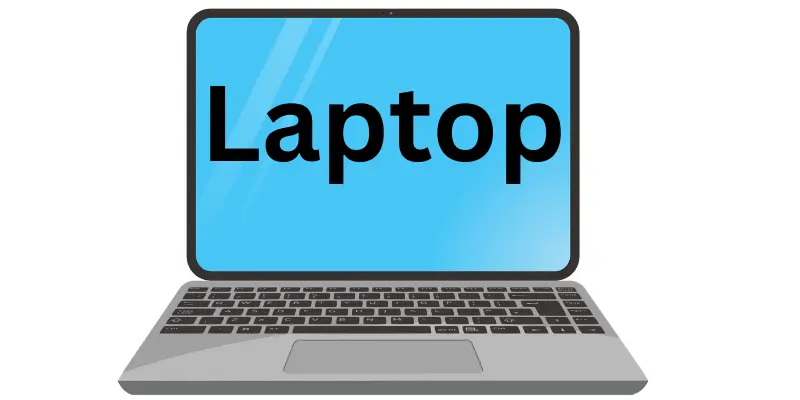
A laptop, usually known as a notebook computer by manufacturers, is a personal computer made for easy use and easy carrying. The word comes from the idea of using the computer on your lap. It combines a laptop display, keyboard, battery, and internal parts into one compact device. You can move it from place to place without extra setup. This makes what is laptop a common question for people who need a portable computer that works anywhere.
Main Parts of a Laptop
A laptop has several main parts that work together to help you use it easily. Each laptop part has a specific role, making your tasks faster and smoother.
- Screen (Display): This shows everything you do, like text, images, and videos. For example, you watch movies or read documents on the screen.
- Keyboard: This helps you type letters, numbers, and commands. Students use it to write homework and emails.
- Touchpad: This lets you move the cursor without a mouse. You can click, scroll, and open files with your fingers.
- Battery: This gives power when the laptop is not plugged in. It allows you to work anywhere.
- Processor (CPU): This is the brain of the laptop. It handles all tasks and keeps programs running smoothly.
- Memory (RAM): This helps the laptop run apps faster. More RAM means smoother multitasking.
- Storage (SSD or HDD): This saves files, apps, and the operating system. An SSD loads data faster than an HDD.
- Ports and Connectivity: These help connect chargers, USB devices, and the internet.
How Does a Laptop Work?
A laptop works by combining all its parts to perform tasks quickly and efficiently. Each component plays a role in turning your input into visible results on the screen.
- You press the power button and the laptop turns on.
- The laptop processor starts working and controls all tasks.
- The keyboard or touchpad sends your input to the system.
- The processor understands your input and processes it.
- Memory helps apps run smoothly while you work.
- Storage provides saved files and programs when needed.
- The laptop display shows the final output like text or images.
- The battery supplies power when the charger is not connected.
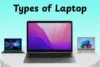
Types of Laptops
Laptops come in different types to match different needs. Each laptop type is designed for a specific kind of user.
- Basic Laptop: Good for simple tasks like browsing, emails, and online classes.
- Student Laptop: Suitable for study with decent speed, laptop memory, and long laptop battery life.
- Business Laptop: Built for office tasks, meetings, and daily professional use.
- Gaming Laptop: Designed to run heavy games with strong laptop processor, graphics and fast performance.
- 2-in-1 Laptop: Works as both a portable computer and a tablet with a flexible screen.
- Thin and Light Laptop: Easy to carry and ideal for travel and daily use.
Uses of a Laptop
Laptops are useful in many areas of daily life. From work and study to entertainment, knowing the main uses of a laptop shows why they are so popular.
- Education: Students use laptops for online classes, homework, and research.
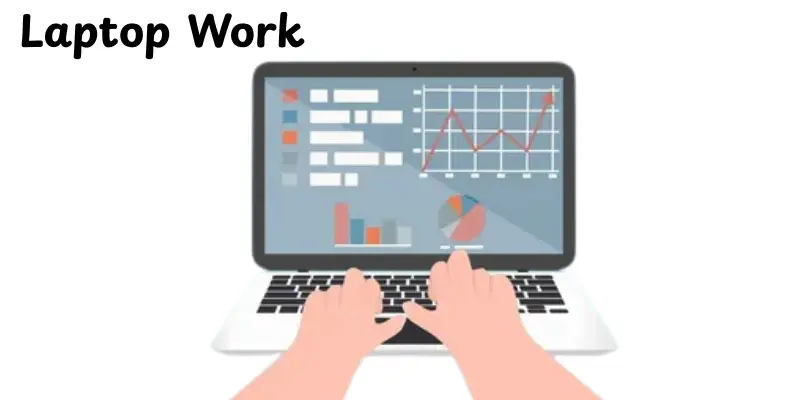
- Office Work: Employees create documents, manage data, and attend meetings.
- Internet Browsing: People search information, read news, and use social media.
- Communication: Laptops help with emails, video calls, and messaging apps.
- Entertainment: Users watch movies, listen to music, and play games.
- Online Business: Sellers manage stores, orders, and customer support.
- Creative Work: Designers and writers create content using laptop accessories and software.
Laptop vs Desktop Computer
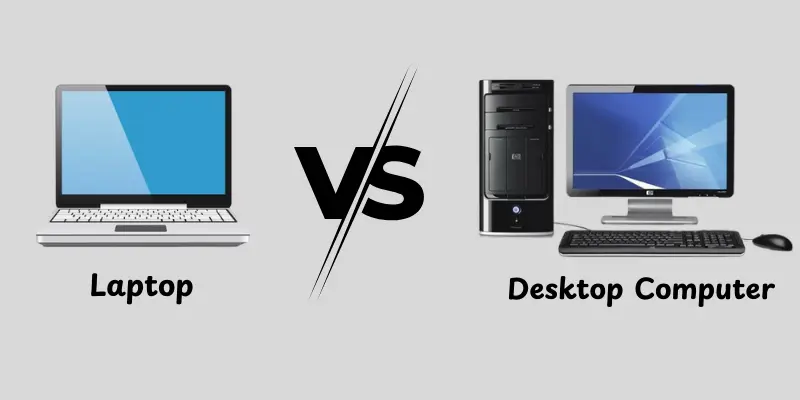
Laptops and desktop computers both help you work and use the internet, but they have key differences. Knowing these can help you choose the right one for your needs.
- Portability: Laptops are small and light, so you can carry them anywhere. Desktops stay in one place.
- Power: Desktops usually have stronger performance for heavy tasks like gaming or video editing. Laptops are good for everyday tasks.
- Setup: Laptops are all-in-one devices with built-in screen, keyboard, and battery. Desktops need separate monitor, keyboard, and mouse.
- Space: Laptops save space and work on small desks or laps. Desktops need more room.
- Battery: Laptops can run without a power plug for a few hours. Desktops always need to be plugged in.
- Upgrade and Repair: Desktops are easier to upgrade and repair. Laptops have limited upgrade options.
Key Features of a Modern Laptop
Modern laptops come with many features that make them fast, portable, and easy to use. These laptop features help users work, study, or enjoy entertainment without trouble.
- Portability: The lightweight and thin design makes it easy to transport anywhere.
- Battery Life: Can run for hours without charging, ideal for travel and study.
- Performance: Fast processors and enough RAM let you run multiple apps smoothly.
- Storage: Solid-state drives (SSD) make files load quickly and save more data.
- Display Quality: High-resolution laptop display show clear images and videos.
- Connectivity: Built-in Wi-Fi, Bluetooth, and USB ports help you connect devices easily.
- Built-in Camera & Microphone: Useful for video calls, online classes, and meetings.
- Durability: Strong materials and design protect the laptop from daily wear and tear.
Advantages Disadvantages of a Laptop
In this section, we will look at the pros and cons of a laptop. This will help you understand why it is useful and what to watch out for.
| Advantages of a Laptop |
|---|
|
| Disadvantages of a Laptop |
|---|
|
How to Choose the Right Laptop
Choosing the right laptop can feel confusing, but it becomes easy when you focus on your needs.
- Determine Your Purpose: Decide if you need it for study, office work, gaming, or simple tasks.
- Check the Processor: A faster laptop processor makes your laptop run apps smoothly.
- Look at Memory (RAM): More RAM helps with multitasking and running programs without lag.
- Consider Storage: SSDs load files faster, while HDDs offer more space for storage.
- Battery Life: Select a laptop that can last long without frequent charging.
- Screen Size and Quality: Pick a size and display that suits your comfort and tasks.
- Portability: Lightweight laptops are easy to carry, especially for students or travelers.
- Budget: Set a budget and find the best laptop that meets your needs within it.
Who Should Use a Laptop?
Laptops are useful for many people because they are portable and easy to use. Different types of users can benefit in different ways.
- Students: For online classes, homework, research, and projects.
- Office Workers: For documents, emails, and virtual meetings.
- Freelancers: To work from home, cafes, or anywhere on the go.
- Home Users: For browsing, streaming videos, and staying connected.
- Gamers: Those who want to play games on the move with gaming laptops.
- Travelers: People who need a lightweight device to work while traveling.
Conclusion
In this guide, we have covered everything about what is laptop, including laptop parts, laptop types, laptop features, laptop uses for students, laptop battery life, and its history. Laptops are perfect for students, workers, and anyone needing a portable computer. My advice is to pick one that fits your needs and budget. So, guys, keep exploring and keep learning about technology!
FAQs
A laptop is a small, portable computer that combines a screen, keyboard and battery in one device. It lets you work, study, or browse the internet anywhere. Laptops are easy to carry and convenient for daily tasks.
A laptop is a personal computer designed for portability. It has a screen, keyboard, and battery built together. People use laptops for study, office work, and entertainment. Laptops are light, easy to carry, and can work without being plugged in for a few hours.
A laptop is any portable computer that can run programs, store files, and connect to the internet while using a built-in battery. It works anywhere without needing a fixed desk or setup.
It is called a laptop because it is small and light enough to use on your lap. The name shows its main feature-portability and convenience.
A laptop is a small computer you can carry and use anywhere. It has a screen, keyboard, battery, and memory all in one.
Yes, a laptop can replace a desktop for many tasks like office work, study, and browsing. But desktops are usually stronger and better for heavy tasks like gaming or video editing.
A laptop usually lasts 3 to 5 years, depending on use and care. Laptops with good maintenance and updated software can last longer.
Yes, laptops are beginner-friendly because they are easy to use, portable, and all-in-one. They are simple to set up and work for study, office, or home use.




- Be Respectful
- Stay Relevant
- Stay Positive
- True Feedback
- Encourage Discussion
- Avoid Spamming
- No Fake News
- Don't Copy-Paste
- No Personal Attacks
- Be Respectful
- Stay Relevant
- Stay Positive
- True Feedback
- Encourage Discussion
- Avoid Spamming
- No Fake News
- Don't Copy-Paste
- No Personal Attacks
